Get OneVaahan on your Android phone
During the pilot the apps come straight from our secure server instead of the Play Store. Installing takes about a minute.


Tip: download on Wi-Fi if you can. The file is large because it works on every Android phone.
Five quick steps
- Download
Open this page in Chrome and tap the download button for your app. - Open the file
Tap the notification when it finishes, or open Files → Downloads. - Allow this source
Android asks once: tap Settings, turn on Allow from this source, then go back. - Install
If Google Play Protect asks, tap More details → Install anyway. It shows this for apps not yet on the Play Store. - Create your account
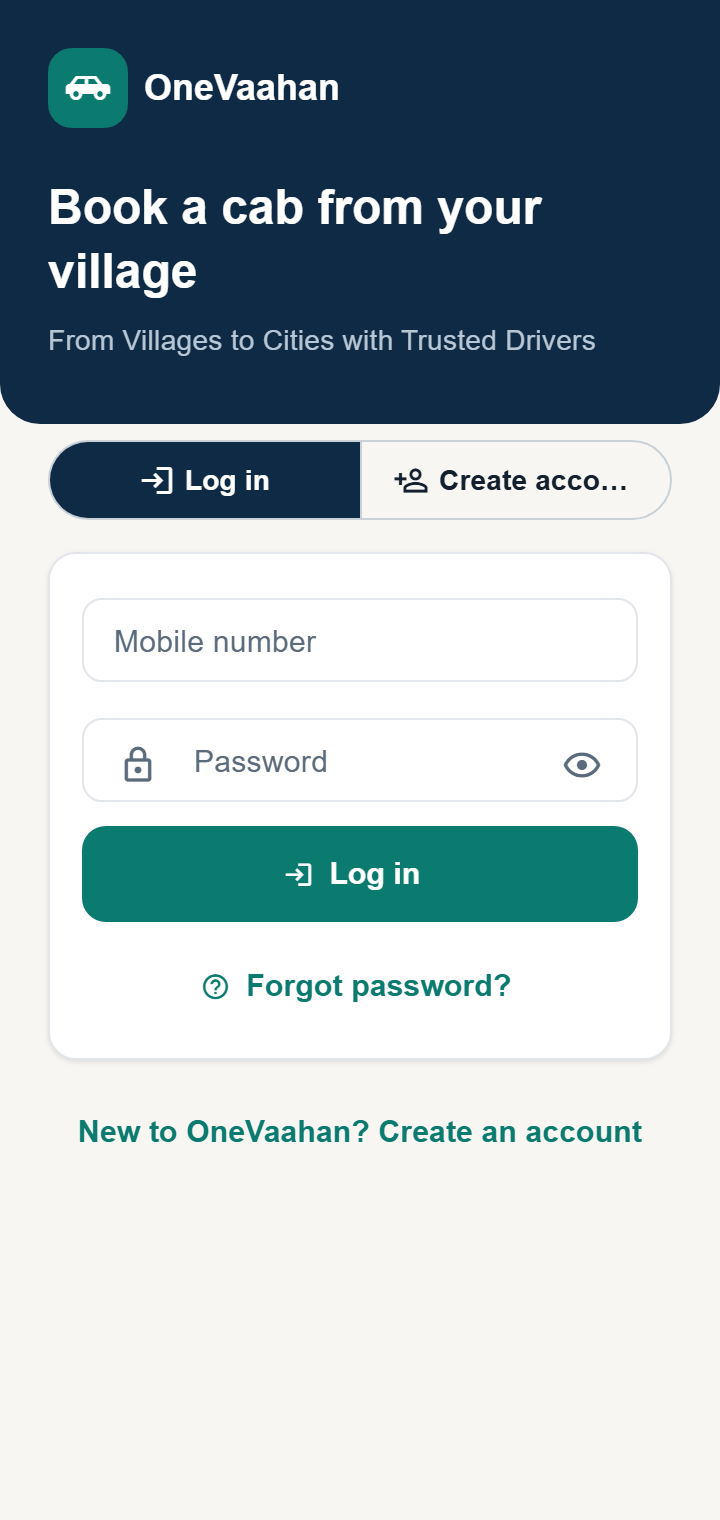
Open OneVaahan, tap Create account and use your mobile number and a password.
Full how-to with FAQs, easy to share: User guide (PDF, English) · उपयोग गाइड (PDF, हिंदी)
Installation help
Is it safe to install?
Yes. The apps are built and signed by OneVaahan and served from our own secure (https) server. Only install them from this website or a link we send you.
Which phones are supported?
Android phones with Android 7.0 or newer. An iPhone version is not available yet.
"App not installed" error
Check there's enough free space and that the download finished, then try again. If you installed an older test version from us, uninstall it first.
How do I update?
Download the app again from this page and install it over the old one. Your account and rides are kept on our server.
I forgot my password
On the app's login screen tap Forgot password? and request a reset. The OneVaahan team will contact you on your registered number with a temporary password.